

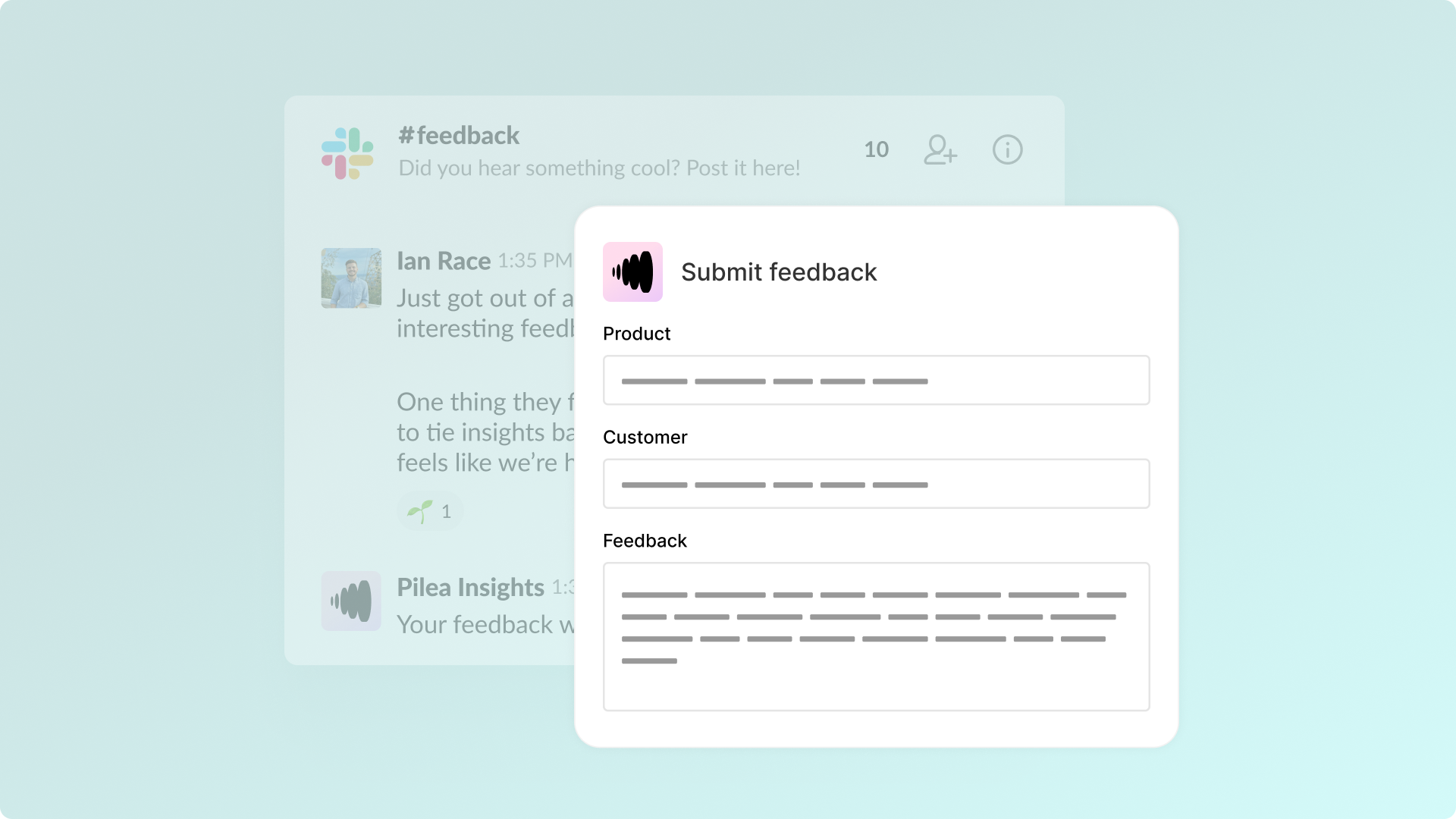
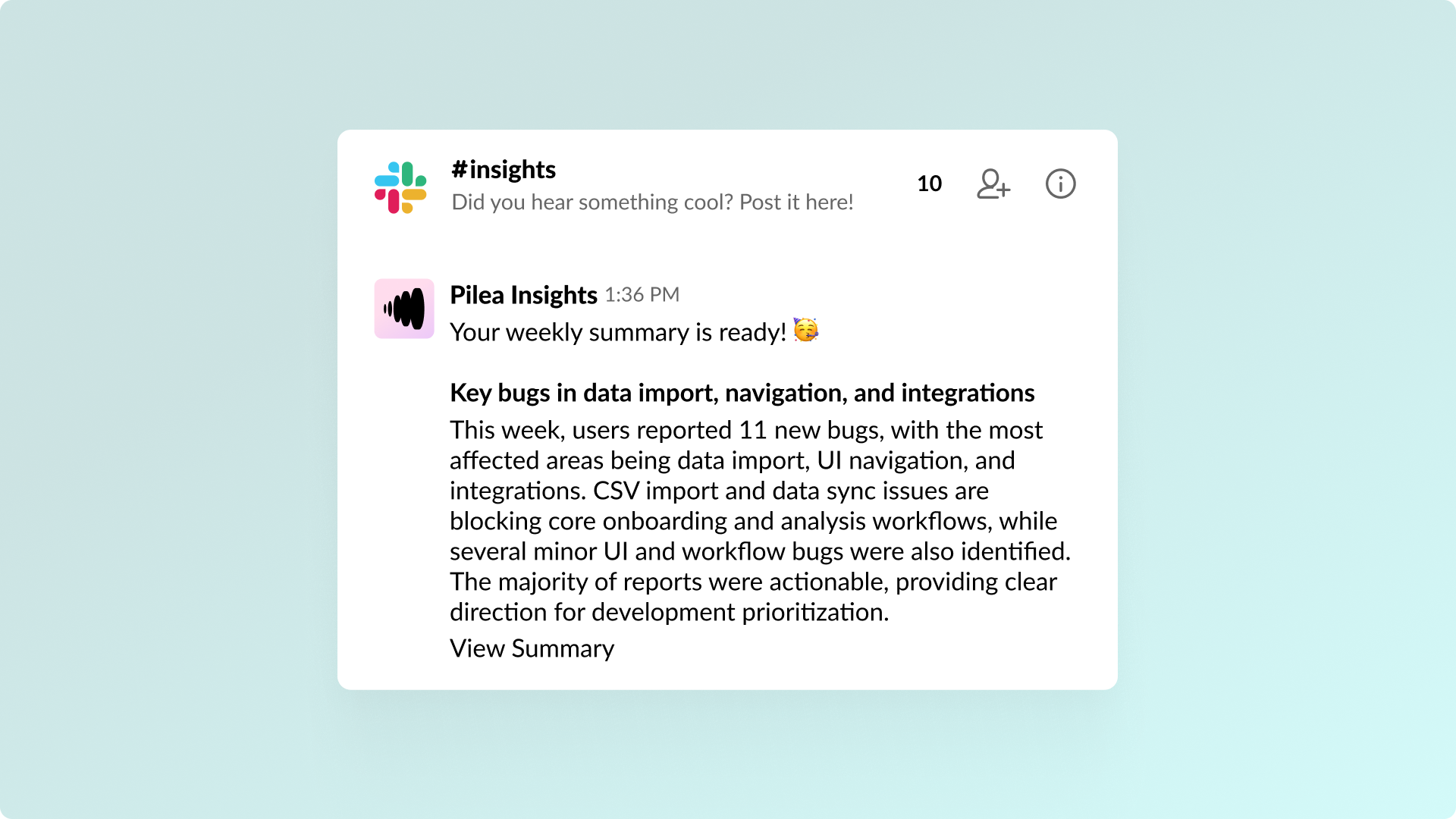
You know the drill. A customer success manager drops a message in Slack: "Just talked to Acme Corp, they really need bulk export." Someone replies "yeah, heard that from others too." And then... nothing. The message scrolls away. The feedback is gone. Three months later, someone brings it up again and nobody can find the original thread. The Pilea Slack app solves this in the simplest way possible. See a message with feedback? Use the message menu (the three dots) and send it straight to Pilea. Want to capture something more structured? Use the /pilea slash command to open a form. Either way, one click and the feedback is in Pilea — attributed to a customer, tagged to a product area, and connected to your backlog. But capturing feedback is only half the story. The other half is getting insights back out to your team. Pilea's insight agents can post directly to Slack channels — trending topics in #product-feedback, sentiment alerts in #cs-team, daily digests in #product. Your team gets the information they need without ever leaving Slack. It turns Slack from a place where feedback disappears into a place where feedback gets captured and insights get delivered. Same tool, completely different outcome.

Pilea's Slack app needs a channel to send confirmations when feedback is successfully added, e.g. #feedback-confirmations.
Select a channel from:
The Slack app only imports feedback where it's explicitly tagged, and only in channels it's invited to.
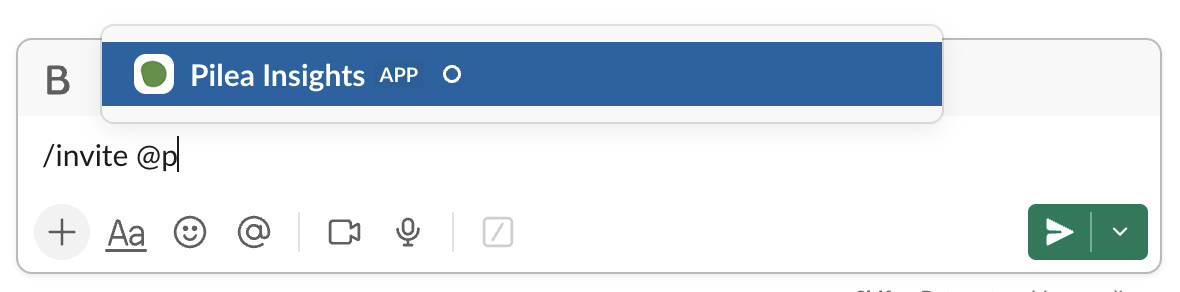
We highly recommend to create a channel called #feedback, and inform your team. To invite the Slack app:
Once installed, you can receive weekly insights and bug summaries in Slack.
Once Pilea's Slack app is installed and invited to a Slack channel, you can choose between 3 methods of adding feedback.
/pilea-insights to trigger a dialogue to manually add feedback.