

You don't need thousands of tickets to have valuable feedback. Even if your team handles 20 tickets a day, there are patterns hiding in those conversations — recurring frustrations, quiet feature requests, early signs of churn. The problem is, nobody has time to read every ticket and connect the dots. Pilea connects to Freshdesk and pulls in your tickets automatically. Every conversation gets structured, tagged, and linked to the customer behind it — including their revenue. So instead of your support lead saying "I feel like a lot of people are having trouble with billing," you get actual data: which customers, how often, and how much ARR is on the line. You don't need to change how your team works. They keep using Freshdesk. Pilea just makes sure the insights trapped in those conversations actually reach the people who can act on them.
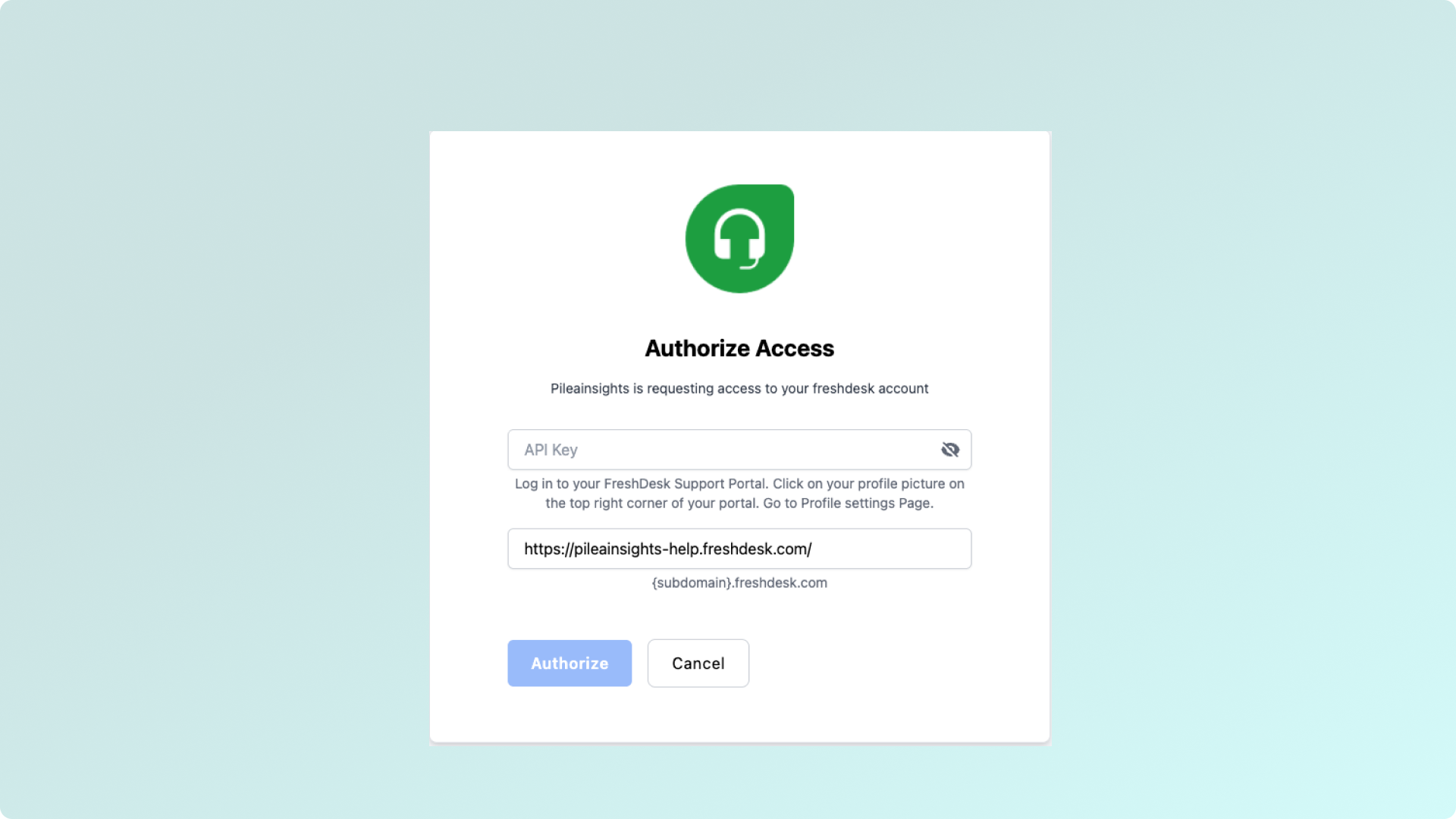
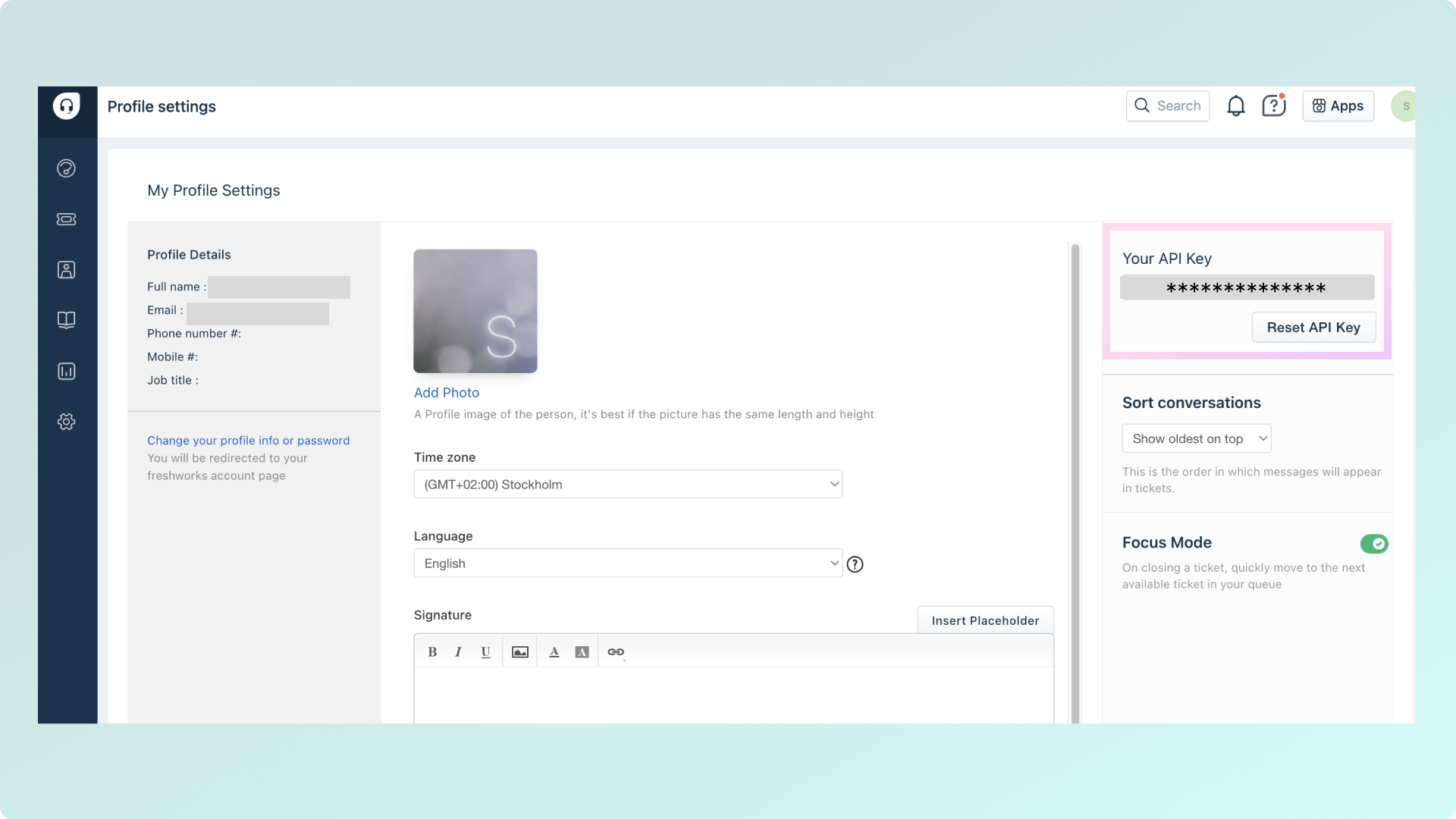
To install Freshdesk, you'll need to provide:
Your Freshdesk Domain
This is the web address you use to access your Freshdesk account
Format: yourcompany.freshdesk.com
You can find this in your browser's address bar when logged into Freshdesk
Freshdesk API Key
Security note!
Create a dedicated admin account for integrations rather than using your personal account to ensure continuity if staff changes occur.
Once connected, Pilea automatically syncs your Freshdesk conversations, giving you automatic insights into support trends, feature and bug requests.
This helps you understand not just what customers are saying through direct feedback, but also what they're experiencing in their support interactions, providing a complete picture of the customer experience.