

ClickUp teams tend to manage everything in one place — product tasks, bugs, internal projects, you name it. That's great for visibility, but it also means the backlog can get noisy fast. When everything looks equally important, how do you decide what to work on first? Pilea gives you the missing signal: actual customer demand. When feedback comes into Pilea from any channel, you push it straight to ClickUp tasks with a clean summary of what customers said. But it doesn't stop at the push — the integration is fully bidirectional. As tasks move through your ClickUp workflow, status updates sync back to Pilea automatically. That means you always know which customer requests have tasks, which tasks are being worked on, and which ones shipped. Every task shows how many customers asked for it and the revenue sitting behind the request. So when you're staring at a packed backlog and need to make a call, you have real data — not just the loudest voice in the room.
To install ClickUp, you'll need to provide:
This is the web address you use to access your ClickUp account
Format: https://app.clickup.com/
You can find this in your browser's address bar when logged into ClickUp.
We recommend that you create a dedicated admin account for integrations rather than using your personal account to ensure continuity if staff changes occur.
Transform customer feedback into actionable development tasks with just a few clicks.
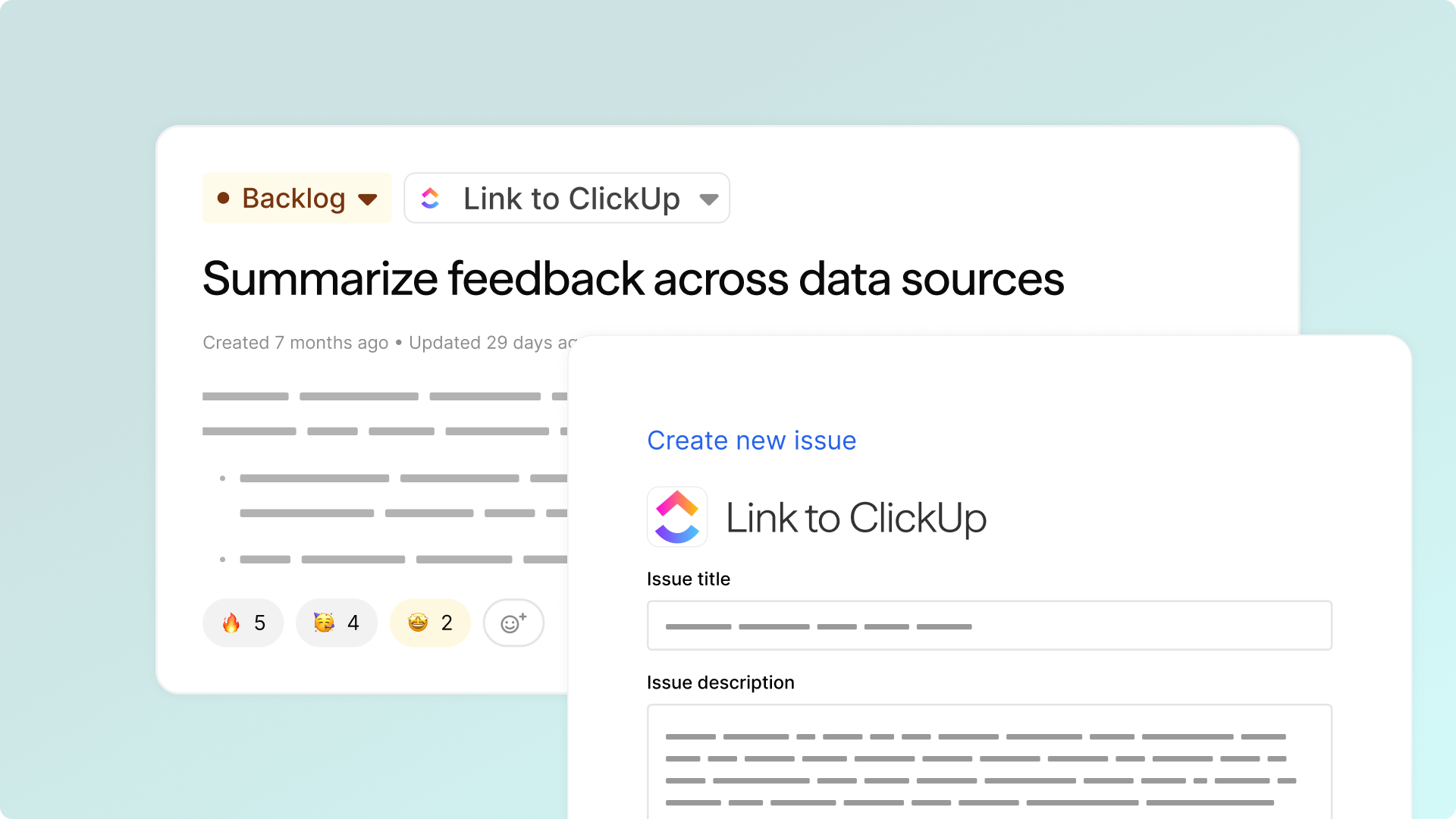
When viewing any request in Pilea, simply click "Link to ClickUp" to open the export dialog. Select your target space, folder, or list, then review the automatically generated title and summary that captures the essential context from your feedback data.
Once exported, the ClickUp task maintains a live connection with Pilea, so you can track development status directly from your ClickUp workspace. Your development team gets all the context they need, while you maintain visibility into which feedback items are being addressed and their current progress.